The starting state for our repo after the csv upload course is a Cargo Workspace.
To add a new crate to the workspace we can use cargo new on the directory that we want the crate to live in. In our case we'll put that in crates/pokemon-api which results in a new crate called pokemon-api in our workspace members directory.
cargo new crates/pokemon-api --vcs none
Notably we're using the --vcs option which lets us set a version control system to bootstrap. The default is git and it will create a .git directory as well as a .gitignore in crates/pokemon-api. We don't want those though since we already have a git repo with an ignore file, so we can use --vcs none to not initialize any version control system.
Building crates
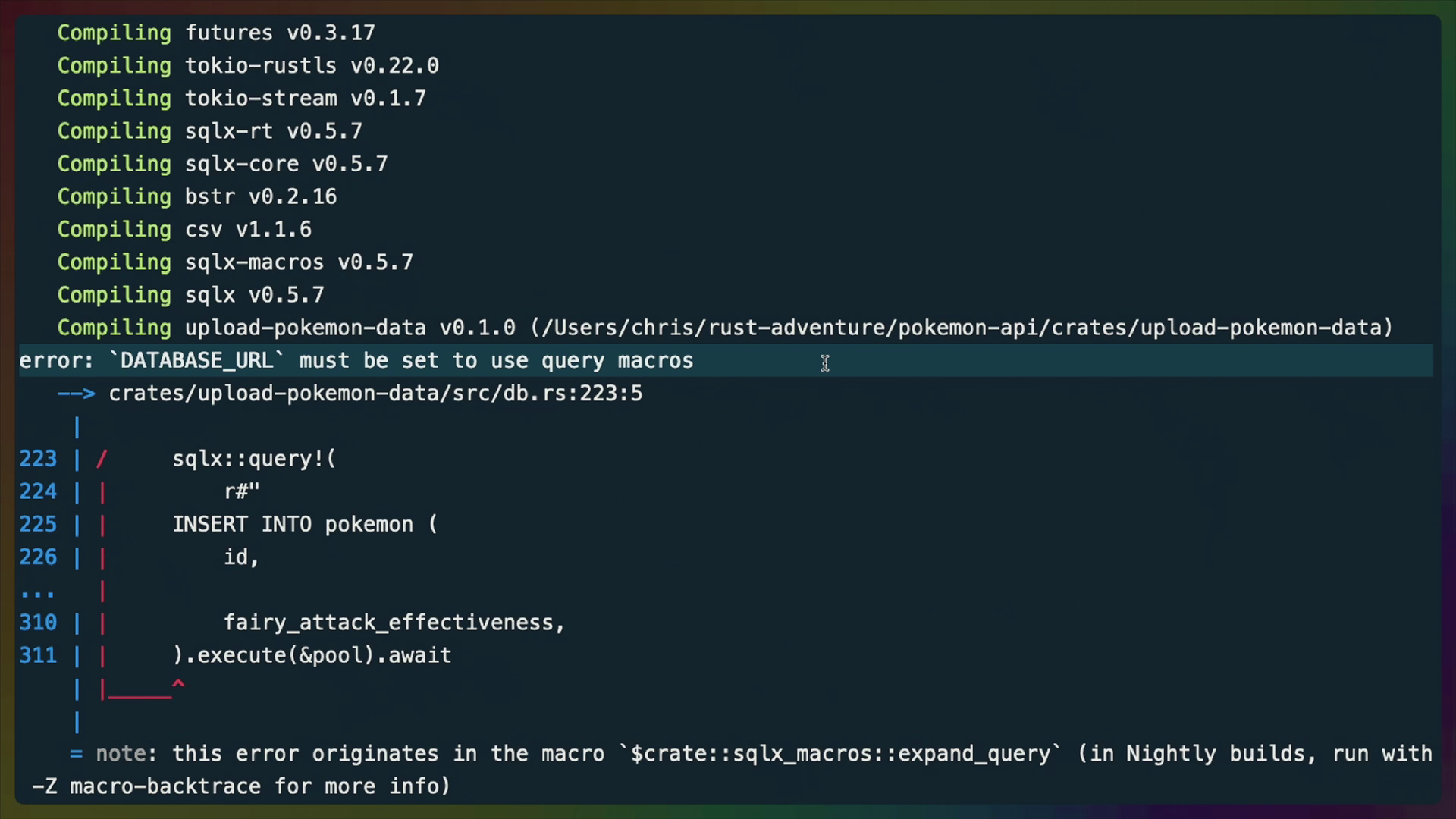
If we run cargo build now, cargo will try to build the whole workspace. We know this because we'll get a build error for the upload-pokemon-api saying it needs DATABASE_URL set to build properly.
To build a specific package (pokemon-api) we can use the -p flag.
cargo build -p pokemon-api
Since we also know the binary name, we could use the --bin flag as well.
cargo build --bin pokemon-api
The difference between these two flags is that a package can contain multiple binaries, so -p would build all of the binaries in that package while --bin would only build one.
Cargo.lock
When we create the new crate, we also get a change to Cargo.lock reflecting that.
+[[package]]
+name = "pokemon-api"
+version = "0.1.0"