Keeping Score
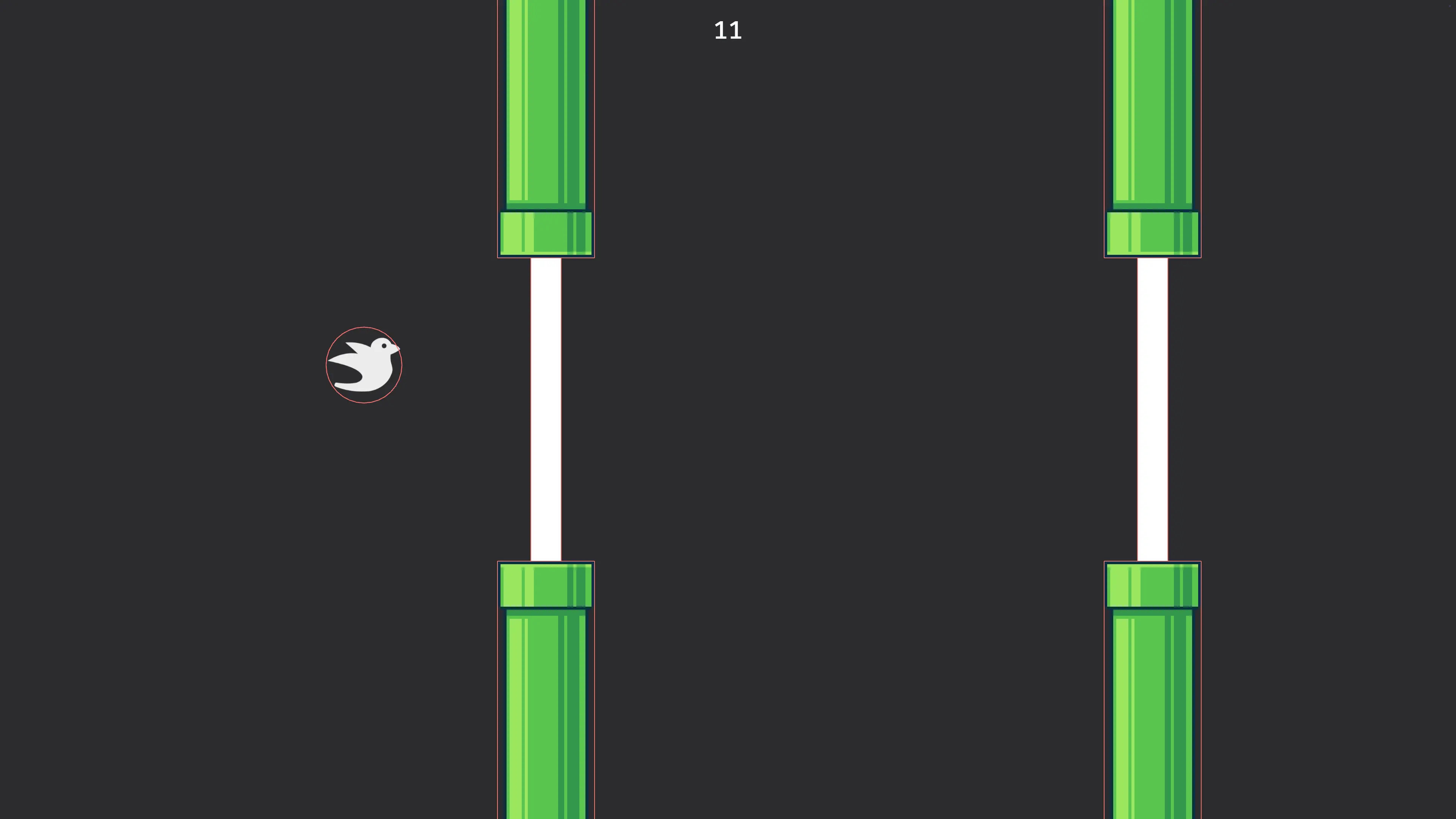
The last critical piece of Flappy Bird is keeping score.
We already have the collision in place, so what we need to do is:
- Respond to the collision by triggering an event
- Respond to the event by updating a score
We’ll keep the score in a global Resource, and create a new Event as well as a marker Component to label the text that will display the score.
#[derive(Resource, Default)]
struct Score(u32);

#[derive(Event)]
pub struct ScorePoint;

#[derive(Component)]
struct ScoreText;Resources need to be initialized before systems that access them, so we initialize Score using its Default implementation at the beginning of our app’s lifecycle.
App::new()
    .init_resource::<Score>()
    .add_plugins(DefaultPlugins)
In our check_collisions system we test for the intersection of the player and log before despawning.
if player_collider.intersects(&gap_collider) {
    info!("score a point!");
    commands.entity(entity).despawn();
}
We’ll change that log to trigger an event.
if player_collider.intersects(&gap_collider) {
    commands.trigger(ScorePoint);
    commands.entity(entity).despawn();
}
and add an Observer to listen to the event. The observer will add 1 to the Score resource whenever it is triggered.
.add_observer(
    |_trigger: On<ScorePoint>, mut score: ResMut<Score>| {
        score.0 += 1;
    },
)
.run()
Rendering the Score
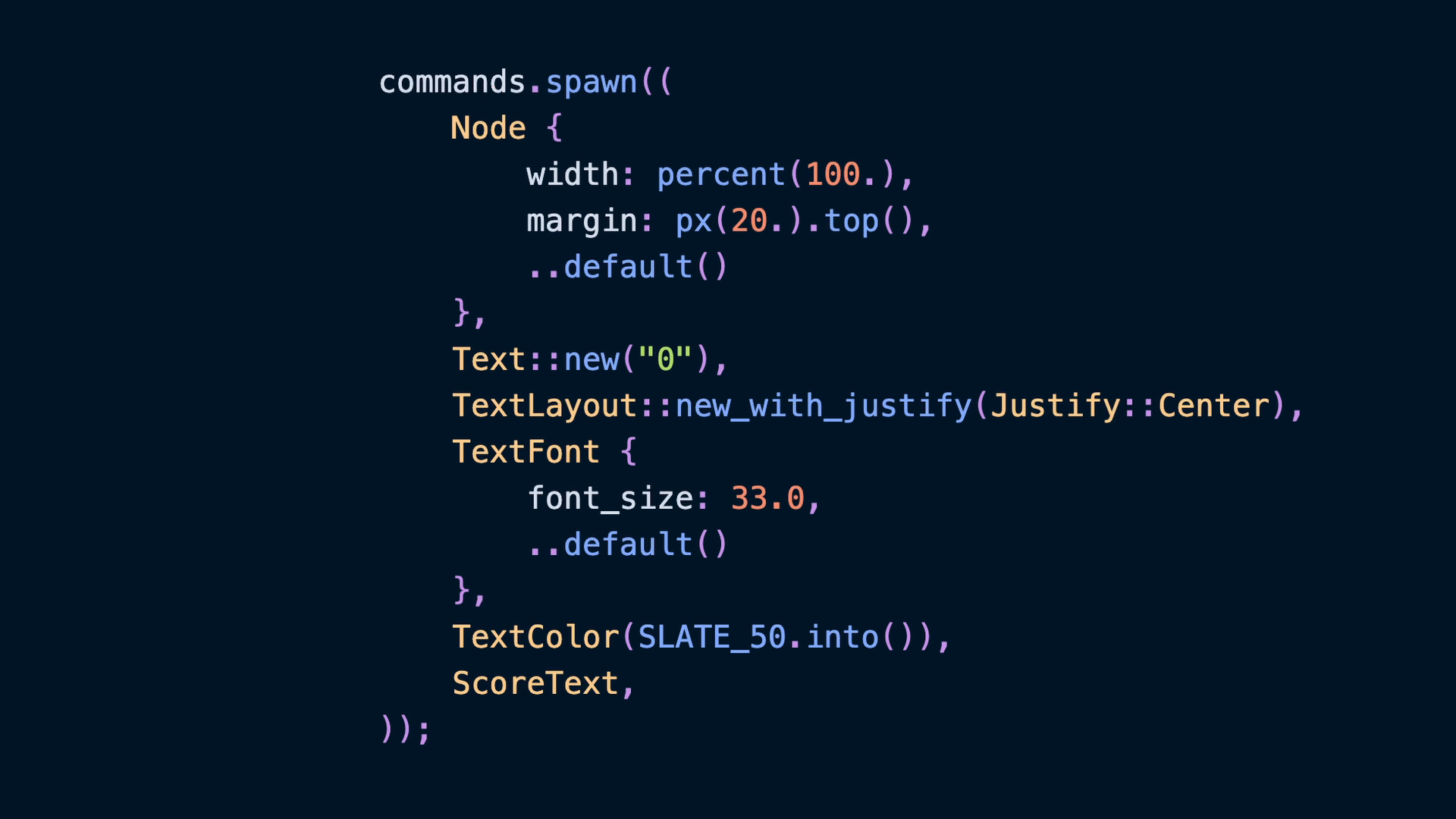
Now there is a Score resource that increases every time the player scores a point, but we need to show that to the player so that they know. To do that we’ll spawn a new Text with a default value. I gave the text some colors and centered it in the Node using Justify::Center, but feel free to put it wherever you want to.
commands.spawn((
    Node {
        width: percent(100.),
        margin: px(20.).top(),
        ..default()
    },
    Text::new("0"),
    TextLayout::new_with_justify(Justify::Center),
    TextFont {
        font_size: 33.0,
        ..default()
    },
    TextColor(SLATE_50.into()),
    ScoreText,
));
Updating the score requires querying for that Text component, which we labelled with ScoreText, and updating it with the stringified value from the Score resource. I use a for loop here because it is a bit more forward-thinking. If we add a second place to render the current score in the future, this system will “just work” with that location as well.
fn score_update(
    mut query: Query<&mut Text, With<ScoreText>>,
    score: Res<Score>,
) {
    for mut span in &mut query {
        span.0 = score.0.to_string();
    }
}
Finally we want to run the score_update system whenever the Score resource changes instead of every frame.
.add_systems(
    Update,
    (
        controls,
        score_update
            .run_if(resource_changed::<Score>),
    ),
)
Resetting on Endgame
The final piece is resetting the score when the Endgame event is handled. We do this by setting the Score resource to 0.
fn respawn_on_endgame(
    _: On<EndGame>,
    mut commands: Commands,
    player: Single<Entity, With<Player>>,
    mut score: ResMut<Score>,
) {
    score.0 = 0;
    commands.entity(*player).insert((
        Transform::from_xyz(-CANVAS_SIZE.x / 4.0, 0.0, 1.0),
        Velocity(0.),
    ));
}