Triggering Observers for Out of Bounds
While the bird can now fall and move upward, its quite annoying to have to quickly catch the bird as it falls way past the screen.
We’ll implement a bounds check to make sure the bird falling past the canvas is considered a “game over” event, and an Observer to respawn the bird.
A small refactor
We’ll need to know certain values, like the size we chose for our canvas and the size we chose for the bird sprite. We’ll extract those values from their usage locations and put them into a couple of constants at the top of the file.
pub const CANVAS_SIZE: Vec2 = Vec2::new(480., 270.);
pub const PLAYER_SIZE: f32 = 25.0;
and we can replace our usage with these constants in the Projection:
commands.spawn((
    Camera2d,
    Projection::Orthographic(OrthographicProjection {
        scaling_mode: ScalingMode::AutoMax {
            max_width: CANVAS_SIZE.x,
            max_height: CANVAS_SIZE.y,
        },
        ..OrthographicProjection::default_2d()
    }),
));
and in the Sprite:
commands.spawn((
    Player,
    Sprite {
        custom_size: Some(Vec2::splat(PLAYER_SIZE)),
        image: asset_server.load("bevy-bird.png"),
        ..default()
    },
    Transform::from_xyz(0.0, 0.0, 1.0),
));
Bounds Checking
Our bounds checking system can use these new constants as well. Note that I’ve left in a commented out trigger that we’ll use soon. In the meantime we’ll use an info log to check to make sure our detection is working.
Given that our canvas is centered at the center of the window, and the edges are roughtly half the CANVAS_SIZE in each direction, we can check the negative and positive bounds in each direction. We’ll add or remove an additional distance based on the size of the bird Sprite. I’ve chosen to be a bit lenient to the player so that the top of the bird touching the top of the playing field doesn’t result in a game over, but you can choose to modify this to be as strict as you’d like.
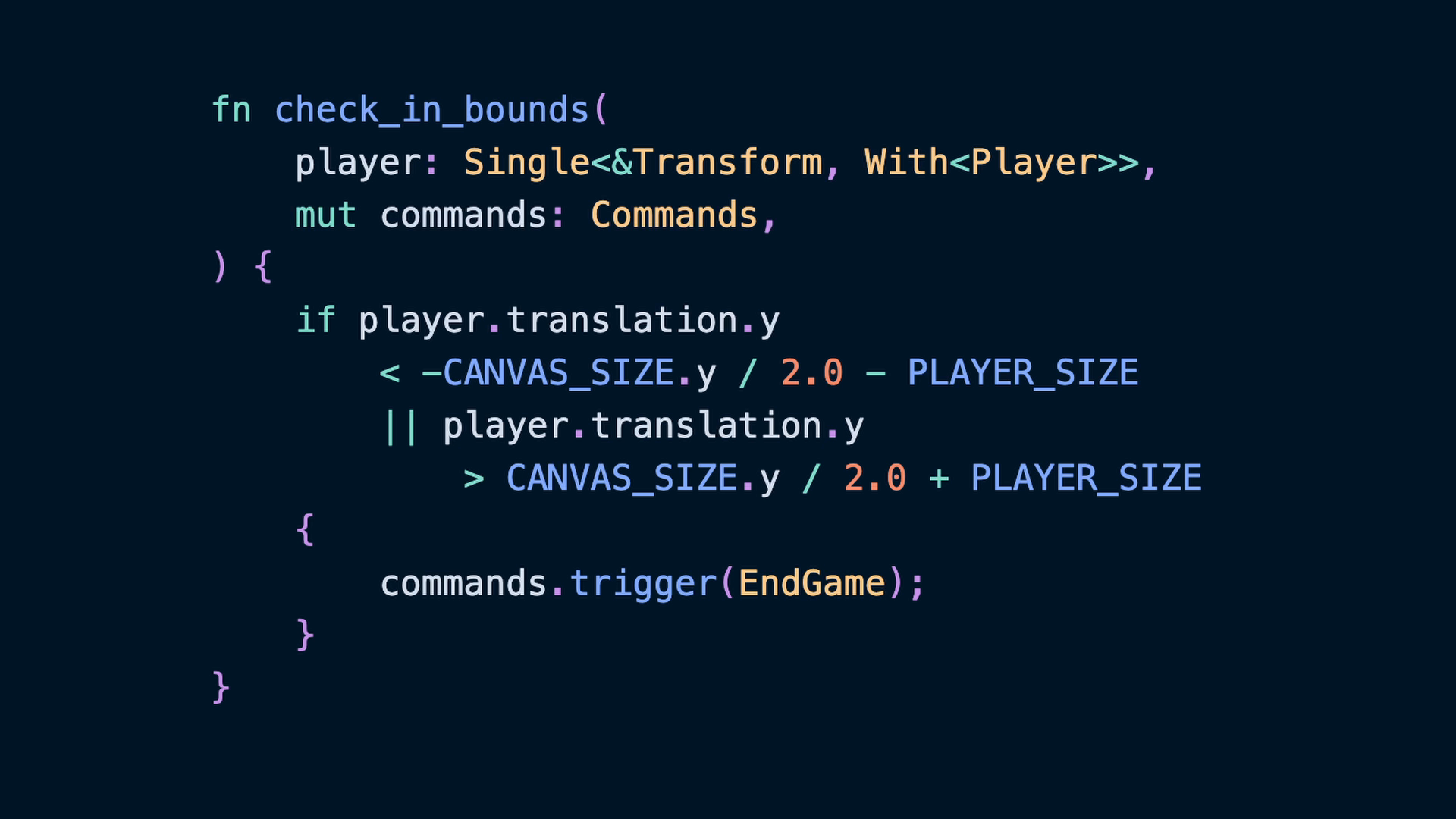
fn check_in_bounds(
    player: Single<&Transform, With<Player>>,
    mut commands: Commands,
) {
    if player.translation.y
        < -CANVAS_SIZE.y / 2.0 - PLAYER_SIZE
        || player.translation.y
            > CANVAS_SIZE.y / 2.0 + PLAYER_SIZE
    {
        info!("check_in_bounds");
        // commands.trigger(EndGame);
    }
}
We’ll add the check_in_bounds system alongside the gravity system in the FixedUpdate schedule.
.add_systems(
    FixedUpdate,
    (gravity, check_in_bounds),
)
When the game is run now, and the bird passes outside of the canvas bounds, the new info log will be shown. This should happen for both below the screen bounds and above the screen bounds.
INFO flappy-bird: check_in_boundsAn EndGame Observer
Now that we have a bounds checking system in place, we can deal with what to do if the player does hit something. In this case, we’ll choose something straightforward and stick to only respawning the player. Step 1 is to create the EndGame event so that we can use it.
#[derive(Event)]
struct EndGame;
The trigger’d event won’t be handled by the Observer system until after the end of the system function it was triggered in, but it will be handled almost immediately after that.
We’ll also use the Commands SystemParam to trigger the event, which we’ve used in the past to spawn in new Entitys.
fn check_in_bounds(
    player: Single<&Transform, With<Player>>,
    mut commands: Commands,
) {
    if player.translation.y
        < -CANVAS_SIZE.y / 2.0 - PLAYER_SIZE
        || player.translation.y
            > CANVAS_SIZE.y / 2.0 + PLAYER_SIZE
    {
        commands.trigger(EndGame);
    }
}Observers are just like Systems with the caveat that the very first parameter needs to be the event we’re listening for. In this case we don’t care about the value of the EndGame Event, so we can prefix the name with an underscore. We can take advantage of Commands and Single again to get the other information we need. In this case, all we’re really doing is re-positioning the bird on screen, so re-inserting the Transform and Velocity Components will move the bird to the correct position and reset the velocity.
fn respawn_on_endgame(
    _: On<EndGame>,
    mut commands: Commands,
    player: Single<Entity, With<Player>>,
) {
    commands.entity(*player).insert((
        Transform::from_xyz(-CANVAS_SIZE.x / 4.0, 0.0, 1.0),
        Velocity(0.),
    ));
}
We queried for the Entity itself because Commands has a nifty function called Commands::entity which lets us get access to an EntityCommands for a given Entity. This is the same set of actions we can take when spawning a new Entity, which means it allows us to insert Components and other operations.
Note also that we’ve moved the bird to the left. Specifically it will respawn at 1/4 of the canvas width from the left. The value here is negative because we are offsetting it from the center of the screen. This will make it obvious that the respawn is doing what we want it to, and also is where we want the bird in the end anyway.
We finally need to add the observer to our application, which we can do with App::add_observer.
fn main() -> AppExit {
    App::new()
        .add_plugins(DefaultPlugins)
        .add_systems(Startup, startup)
        .add_systems(Update, bird_control)
        .add_systems(
            FixedUpdate,
            (gravity, check_in_bounds),
        )
        .add_observer(respawn_on_endgame)
        .run()
}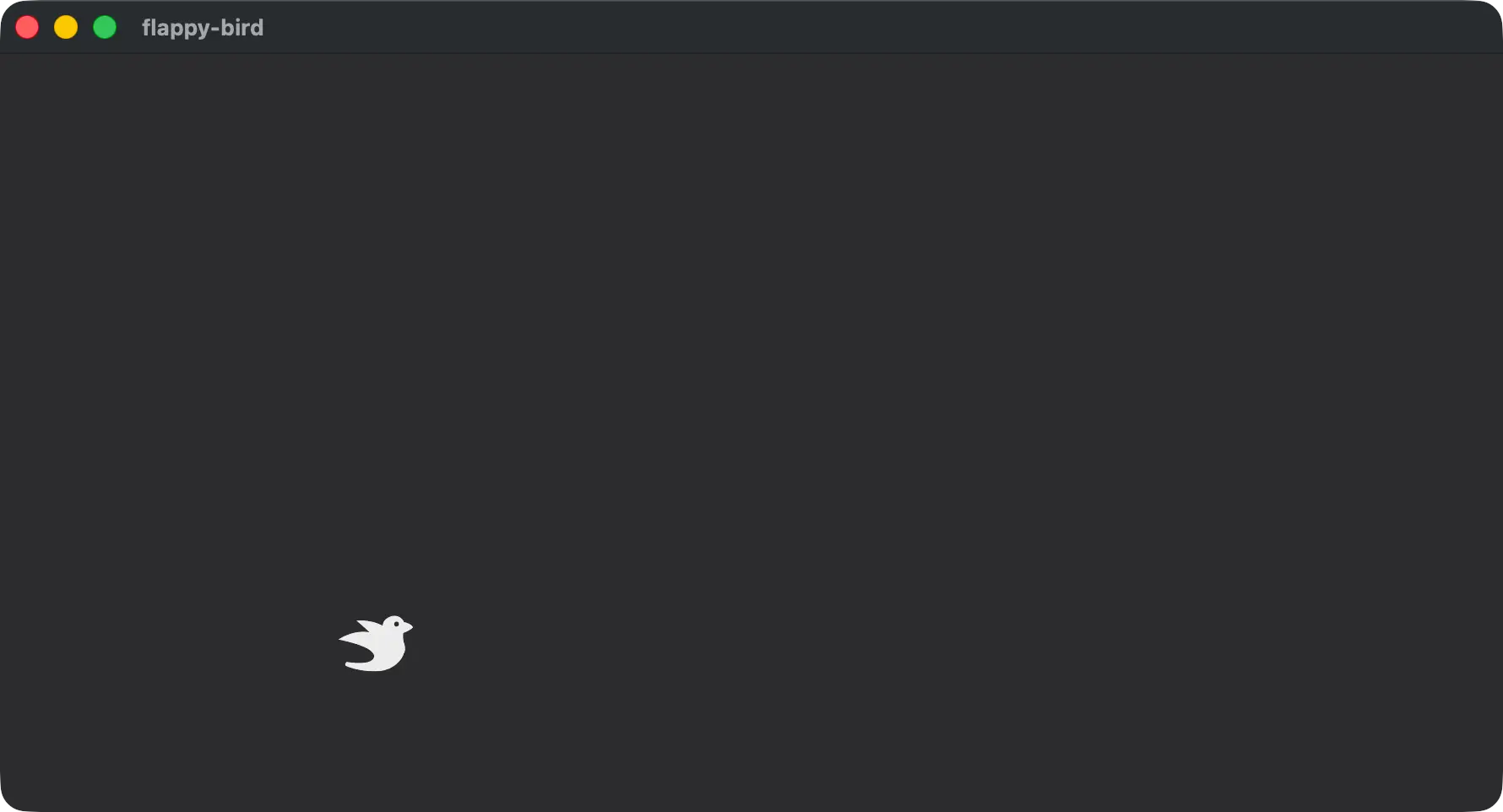
After confirming that the player respawns at on the left side of the stage, we can change our original spawn to also spawn in the correct x location.
commands.spawn((
    Player,
    Sprite {
        custom_size: Some(Vec2::splat(PLAYER_SIZE)),
        image: asset_server.load("bevy-bird.png"),
        ..default()
    },
    Transform::from_xyz(-CANVAS_SIZE.x / 4.0, 0.0, 1.0),
));