We have a csv with Pokemon data in it that we'll be using to build up our database schema, so the first step is to get the csv file into Rust.
Download the csv from GitHub and put it in crates/upload-pokemon-data/pokemon.csv.
We're going to use the csv crate, so using cargo-edit we can specify which package we want to add csv to using the -p flag.
cargo add -p upload-pokemon-data csv
then we can replace our main function with an implementation that reads the csv in and processes it.
fn main() -> Result<(), csv::Error> {
    let mut rdr = csv::Reader::from_path(
        "./crates/upload-pokemon-data/pokemon.csv",
    )?;
    for result in rdr.records() {
        let record = result?;
        println!("{:?}", record);
    }
    Ok(())
}
We'll start off by changing the type signature of main to return a Result<(), csv::Error>. The only errors we'll encounter in this lesson are csv::Errors, and the main function has to return unit, (), if successful.
Adding the Result type to our main function allows us to use the ? on Result types returned from the csv crate functions to handle any errors.
For example, csv::Reader::from_path accepts a filepath to the csv file we want to read.
let mut rdr = csv::Reader::from_path(
    "./crates/upload-pokemon-data/pokemon.csv",
)?;
The from_path method returns a Result<Reader<File>, csv::Error>. Since the main function return type is the same error type, we can use ? on the Result<Reader<File>, csv::Error> to turn it into a Reader<File>. If the value was an error, it will get returned to the main function immediately and the program will end.
Which makes rdr a Reader<File>. We let rustc know we're going to need exclusive access to the reader so we can mutate it by using the mut keyword. Rust will use this information to make sure we aren't mutating the Reader<File> from multiple locations at once, which would result in confusing and hard-to-debug bugs.
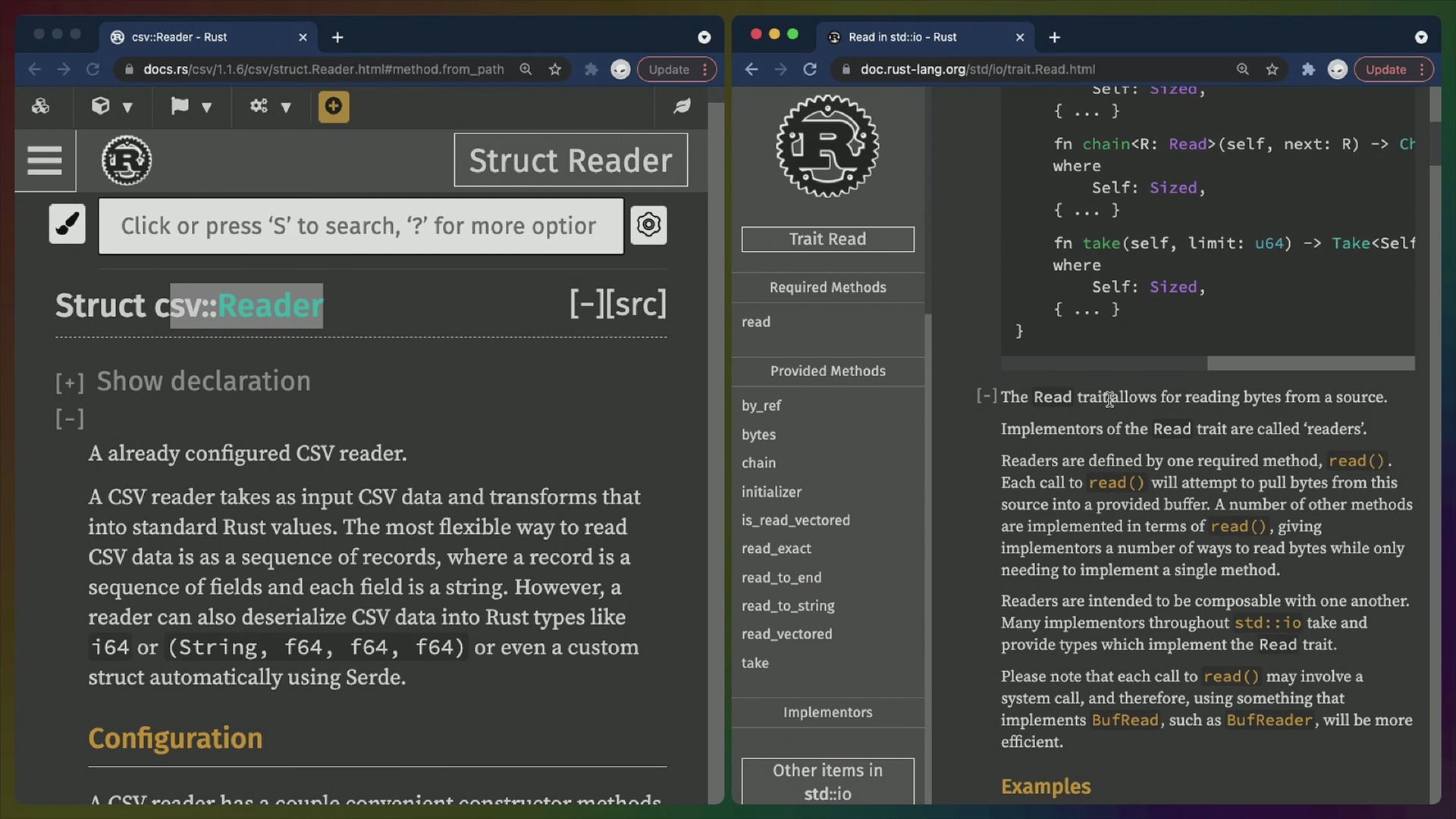
The Reader<File> type is the csv::Reader struct from the csv crate. This type implements a different, similarly named trait called Read from the standard library: std::io::Read. Types that implement Read are usually called "readers", so this is appropriate.
A reader allows us to read bytes from... somewhere. In this case it's a file, but it could also be a tcp socket or something even more different. readers allow us to build complex functionality on top of them in case we need to perform actions on truly massive files that don't live in memory, or files that don't fully exist yet.
Our usage is pretty pedestrian by comparison, we could easily read the entire csv into a string without issue considering how small our csv is.
Here the csv::Reader includes a records function that makes it so we can loop over each row nicely though, so we'll use that.
for result in rdr.records() {
        let record = result?;
        println!("{:?}", record);
    }
records returns a type that implements the Iterator trait, so we can use it in a for loop to access each row.
Because we haven't specified any types to deserialize the csv rows into, the csv crate will hand us a generic StringRecord struct with the values for each row. Here's an example:
StringRecord(["Bulbasaur", "1", "Overgrow, Chlorophyll", "Grass, Poison", "45", "49", "49", "65", "65", "45", "7", "69", "1", "0.125", "False", "False", "True", "False", "64", "45", "Monster, Plant", "70", "", "green", "15.0", "1.0", "2.0", "0.5", "0.5", "0.25", "2.0", "0.5", "1.0", "1.0", "2.0", "2.0", "1.0", "1.0", "1.0", "1.0", "1.0", "1.0", "0.5"])
It's possible that getting this StringRecord could fail, so the result variable is of type Result<StringRecord, csv::Error>, which we can again handle with ?. This effectively unwraps the Result for us, or returns from main with the error if one exists.
So record is a StringRecord type and we print that out using the println! macro.
The println! macro is a bit like a fancy console.log in JavaScript. println! accepts a format string, and variables to format into that string.
The format string we're using ("{:?}") uses the curly braces to determine where the variable we give it will be placed in the string, and the :? between the curly braces is a called a formatter. In this case, :? is the Debug formatter, which means we'll get the Debug trait implementation of the StringRecord type printed out to its own line.
The Debug trait is often used for debugging purposes, which is why we see the StringRecord struct name in the console output when we run the program. It's the same formatter used in the dbg! macro, if you're familiar with that already.
cargo run --bin upload-pokemon-data
Finally, if no errors have occurred we need to return Ok(())